Multi-Account Management for Agencies and Teams in 0ads
Multi-Account Management for Agencies and Teams in 0ads
Agencies and in-house teams managing Meta Ads across multiple business accounts face a common pain: switching between Business Managers, losing context, and duplicating effort. 0ads is built from the ground up as a multi-tenant platform with agency workflows in mind.
The Problem with Native Meta Tools
Meta Ads Manager handles one ad account at a time. For an agency managing 15 or 30 client accounts, that means:
How 0ads Handles Multi-Account at Scale
Unified Campaign Dashboard
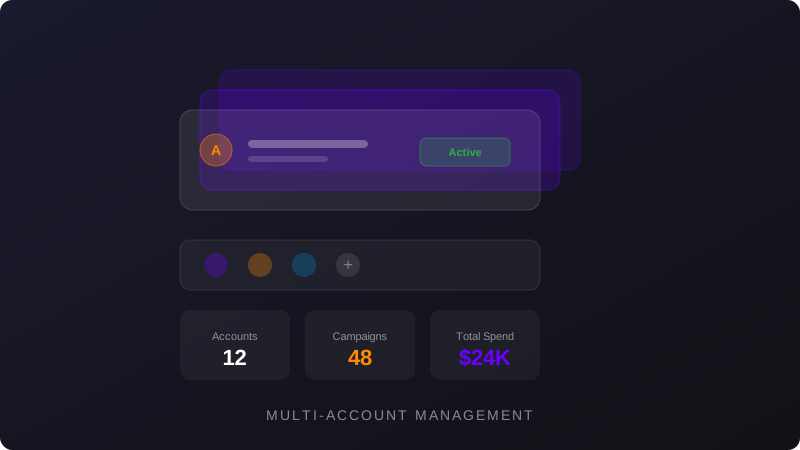
Every connected ad account feeds into a single Campaign Dashboard. You can filter by account, apply tags (by client, vertical, or campaign type), and compare metrics across accounts side by side. Columns are fully customizable with saved presets so each team member sees the KPIs relevant to their role.
Shared Custom Audiences
One of the most powerful features for agencies is the ability to create Custom Audiences once and share them across multiple ad accounts. Upload a CSV of customer emails or phone numbers, define the audience, and deploy it to any connected account without re-uploading. This eliminates redundant audience creation and keeps targeting consistent across clients.
Team Roles and Permissions
0ads supports role-based access so you can invite media buyers, account managers, and clients with appropriate permission levels. Team members only see the accounts and data relevant to their responsibilities.
Archive and Tagging System
The dashboard supports archiving old campaigns and tagging active ones. Tags let you group campaigns by client, funnel stage, offer type, or any custom taxonomy. Combined with the comparison view, this makes cross-client reporting fast.
Pricing for Agencies
The plan structure reflects agency needs:
All plans include access to Automation Rules, Telegram alerts, the Creative Library, and AI Marketer IMI.
Duplicating Winning Strategies
When a campaign structure works well for one client, you can duplicate it directly from the dashboard. Duplicate to Meta pushes a copy of the campaign configuration to another ad account, letting you replicate winning frameworks across clients in seconds rather than rebuilding from scratch.
Bulk Operations Across Accounts
Mass Launch works across any connected account. Select the target account, configure your ad combinations, and push them live. Combined with the Creative Library (which tracks CPR and CPA per creative asset), you can identify top-performing creatives in one account and deploy them elsewhere with data to back the decision.
Getting Started
The multi-tenant architecture means every account stays isolated in terms of data and billing, but you get a unified operational layer on top. For agencies scaling beyond a handful of clients, this is the difference between managing ads and being managed by them.