Dashboard
Get a quick overview of your advertising performance with the 0ads Dashboard.
Dashboard
The Dashboard provides a quick overview of your advertising performance. It is the first screen you see when you log into 0ads.
Filters & Controls
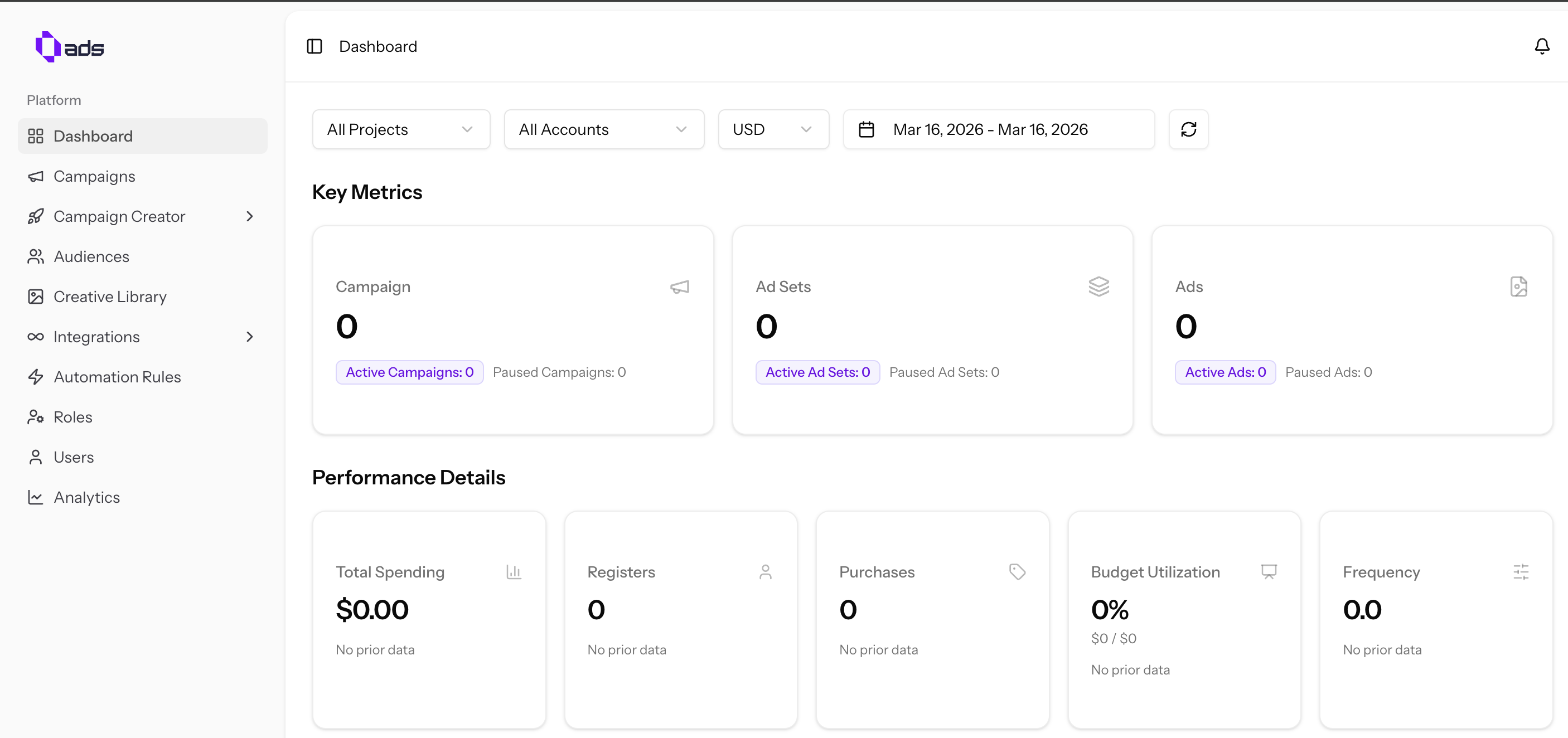
Use the filters at the top to select:
- Project — Switch between different projects
- Ad Account — Choose which ad account to view
- Currency — Set your preferred currency for metrics
- Date Range — Filter data by specific time periods
Key Metrics
The dashboard displays the total and active numbers of:
- Campaigns — Total campaigns and how many are currently active
- Ad Sets — Total ad sets with active count
- Ads — Total ads with active count
Performance Details
Important performance data displayed includes:
- Total Spending — How much you've spent in the selected period
- Registers — Number of registrations attributed to your ads
- Purchases — Purchase conversions tracked
- Budget Utilization — How efficiently your budget is being used
- Frequency — Average number of times users see your ads
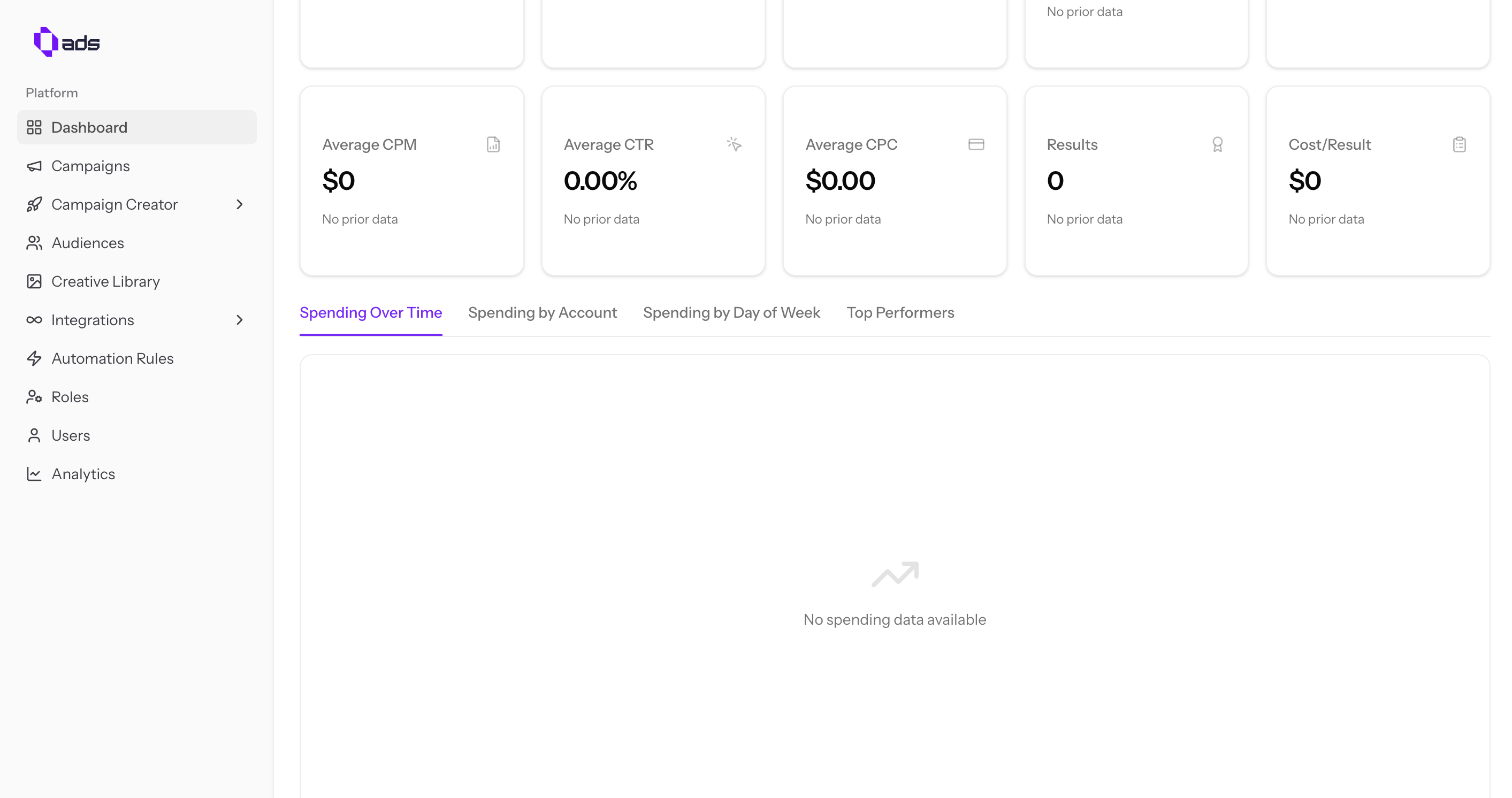
Additional metrics:
- Average CPM — Cost per 1,000 impressions
- CTR — Click-through rate
- CPC — Cost per click
- Results — Total conversion results
- Cost per Result — Average cost for each result
Charts & Analytics
View charts at the bottom to analyze spending trends and top-performing campaigns.
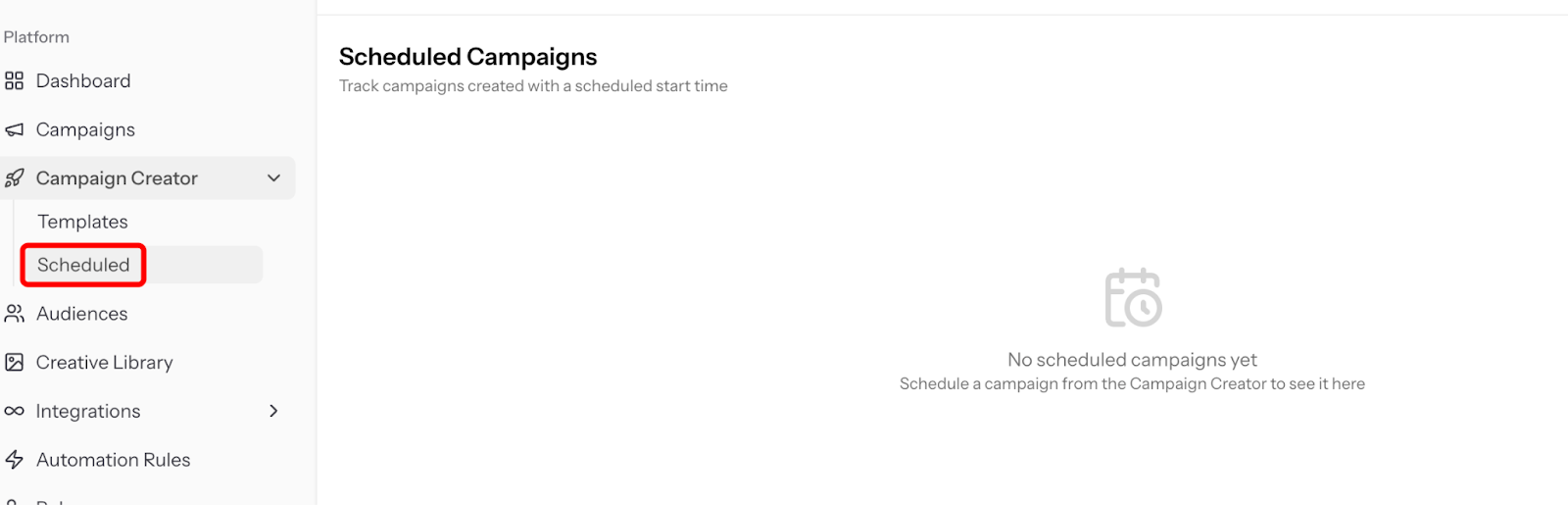
Scheduling
You can schedule your campaigns to start or stop automatically at your preferred time.