Campaign Creator
Learn how to create and manage ad campaigns with 0ads Campaign Creator.
Campaign Creator
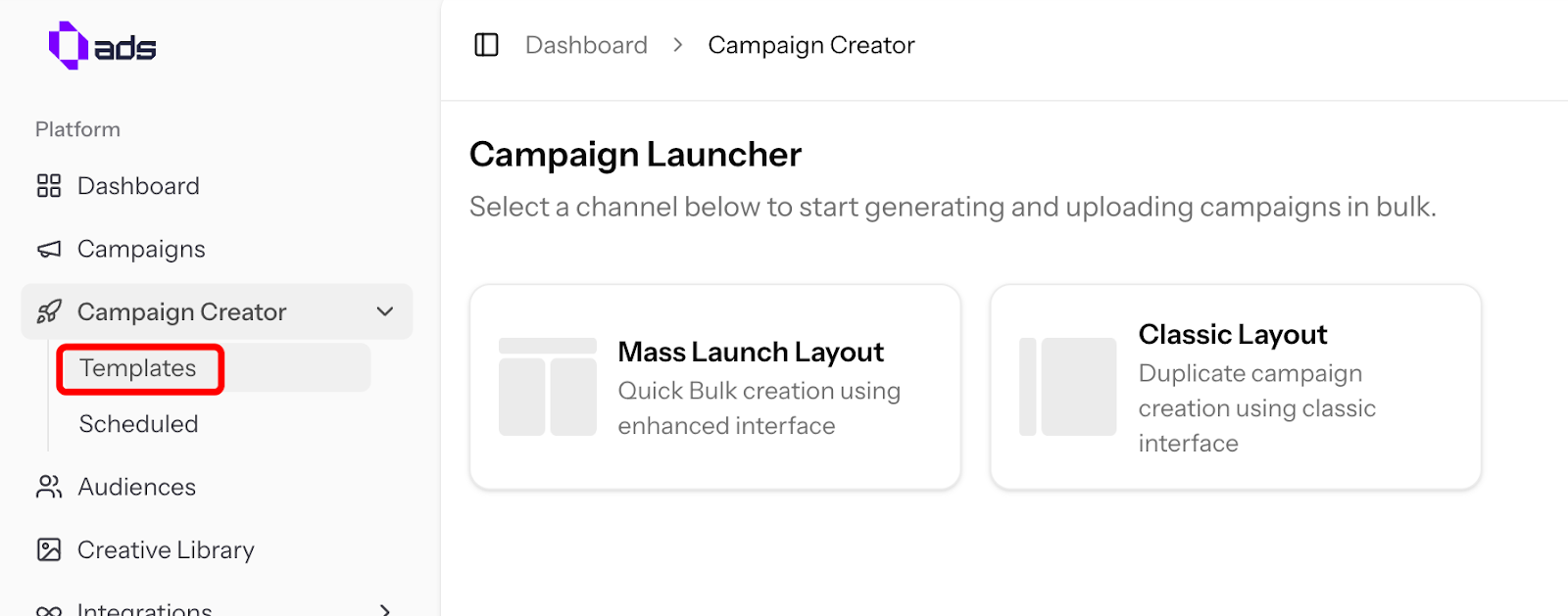
Click "Campaign Creator" to start creating your ads.
Template Options
0ads offers 2 template layouts:
| Layout | Description |
|---|---|
| Mass Launch Layout | More efficient way to create campaigns, but only supports CBO (Campaign Budget Optimization) |
| Classic Layout | 100% similar to Meta Ads Manager, supports both CBO and ABO (Ad Set Budget Optimization) |
Managing Templates
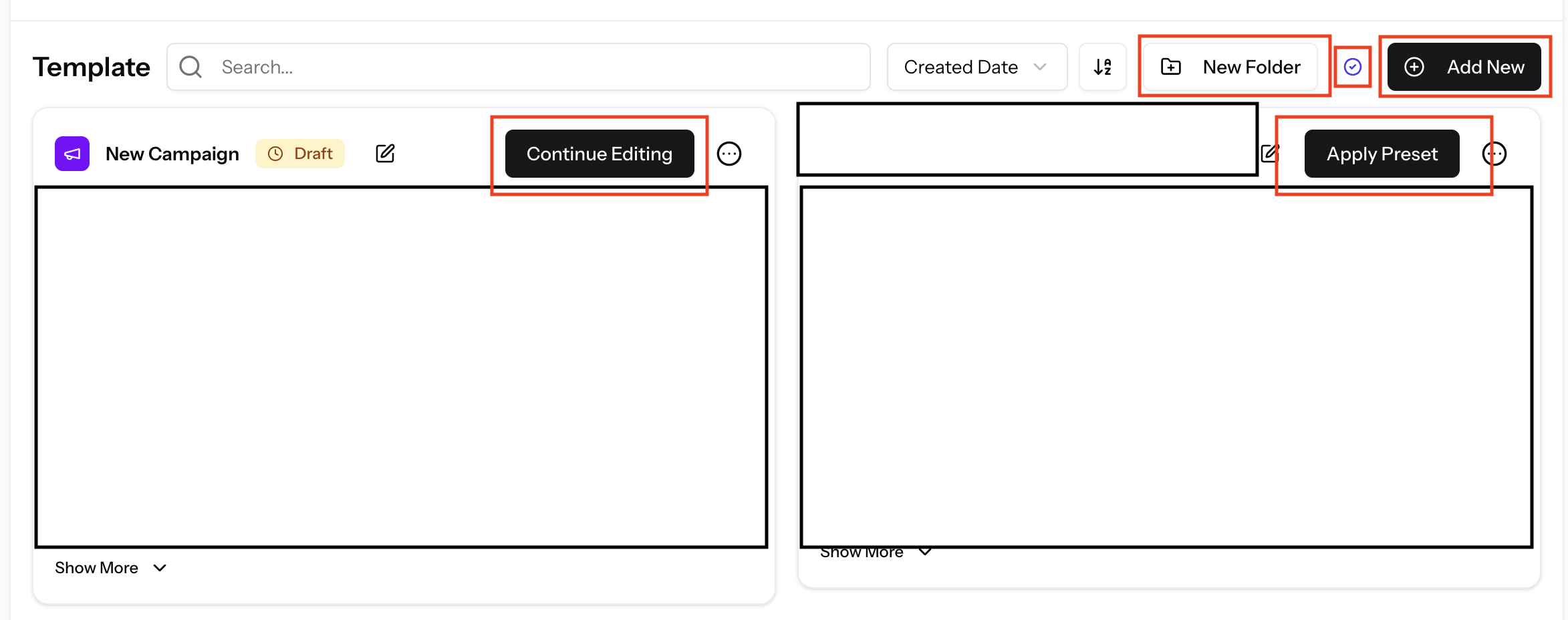
- Add New — Click to set up a new campaign template
- Continue Editing — Keep configuring a campaign that is still in draft
- Apply Preset — Apply a saved configuration to a new template
- New Folder — Organize your templates into folders for better management
- Selective Mode — Bulk select campaign templates and move them into specific folders
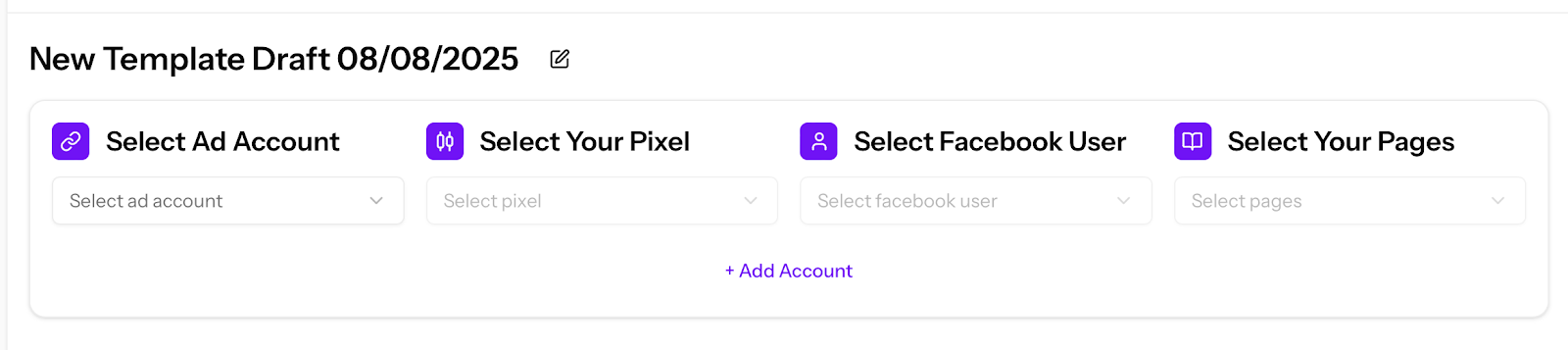
Account Setup
Before creating a campaign, select your:
- Ads Account
- Pixel
- Facebook User
- Pages