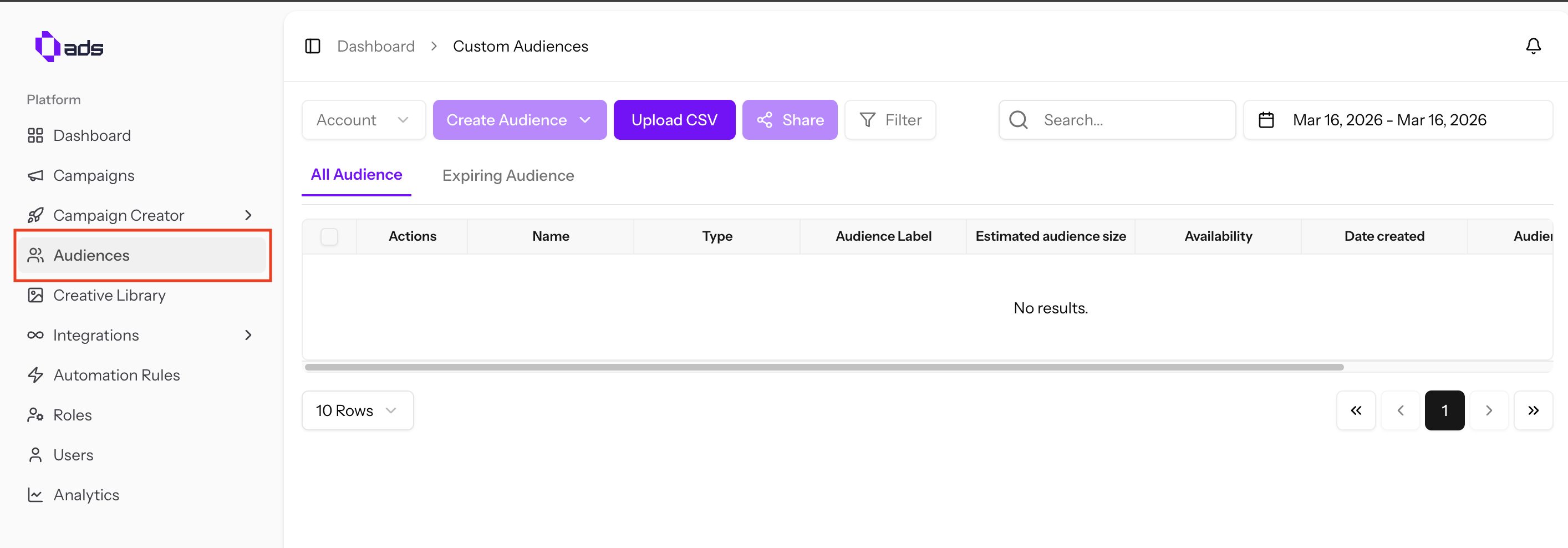
Custom Audience
Create, upload, and share custom audiences across your ad accounts.
Custom Audience
Manage your target audiences directly within 0ads.
Creating Audiences
- Select Account — Choose your ad account first, then the "Create Audience" button will become clickable
- Upload CSV — Upload a customer list as a template and reuse it in the future
- Share — Select an audience and click "Share" to share it to another ad account